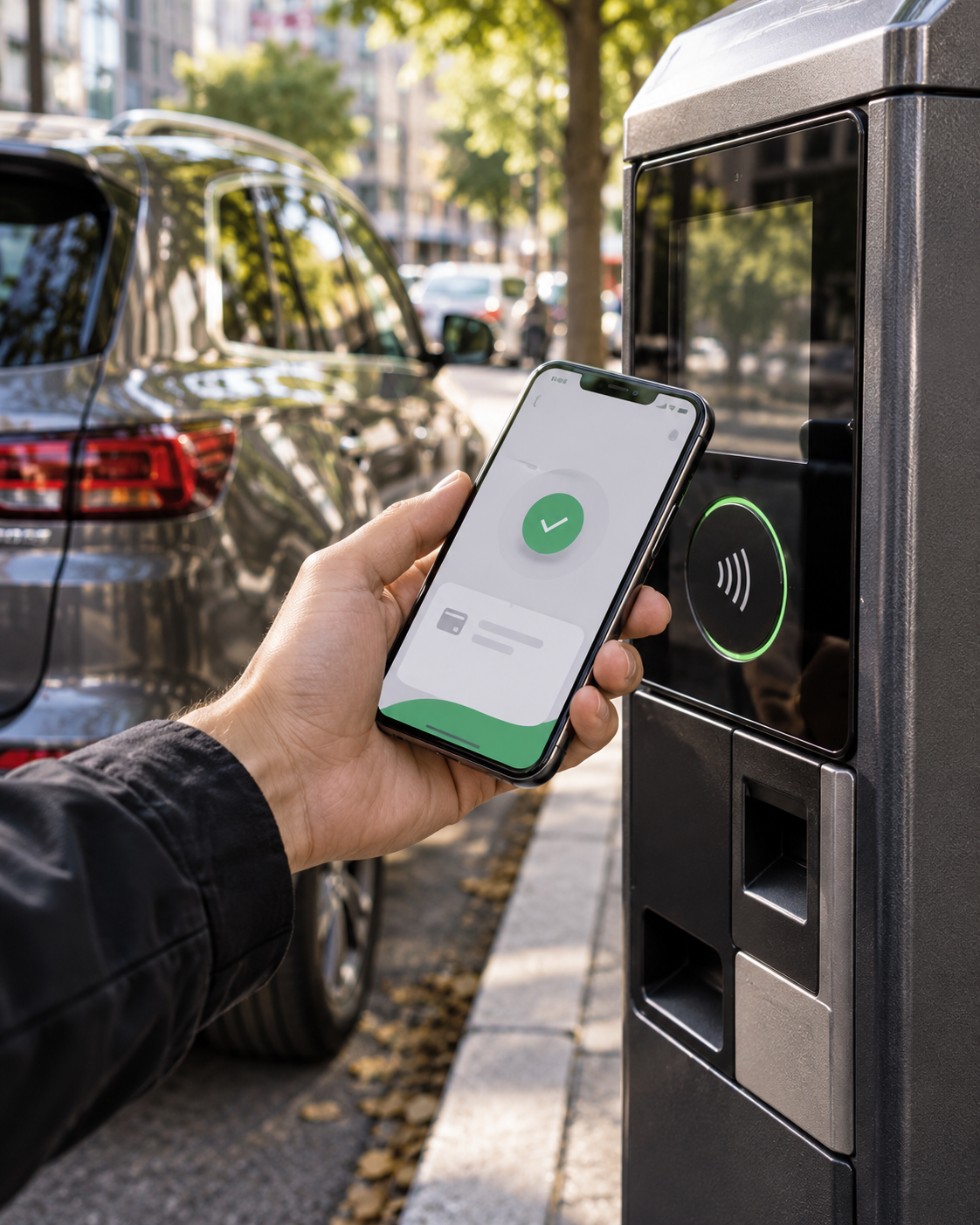
AI-generated cover illustration. Project screens are shown below.
Trust at the point of payment.
Connecting parking discovery, vehicle information and checkout through research, flow design and responsive interfaces.
Research-led product direction
01 / Context & role
Connect parking discovery with payment.
Smart Web Pay brought parking search, pre-booking and payment into a responsive web experience. The design task was to help a driver decide where to park and understand the next transaction step without learning the entire service.
At Addinn Group, I worked on stakeholder discovery, UX auditing, journey and information architecture, and interface design for the S&B parking service. This case connects the research material to the delivered screen designs; it does not attribute results from other Addinn projects to Smart Web Pay.
My contribution: structuring the service around driver tasks, making car parks comparable, and defining a consistent path from selection to checkout.
02 / Evidence & priorities
Translate the journey into design priorities.
The journey map traces finding a car park, checking availability, locating a space, paying and exiting. It identifies opportunities to bring availability and payment into the same service. I used it to organize the experience around those connected tasks rather than a collection of features.
The interface audit also recorded concrete presentation issues, including tight line spacing and weak button contrast on the existing payment entry. These were audit observations, not measurements of abandonment.
Three priorities guided the design: expose the information needed to choose a car park; preserve the selected parking context; and distinguish identification, summary and checkout.
03 / Search & comparison
Put the parking decision in the interface.
The map supports location-based exploration; the list exposes alternatives in a consistent structure. Availability, distance, hourly price and services appear together so the driver can assess suitability without opening every detail page.
The filter panel introduces price, occupancy and service criteria. The details screen then adds opening hours, contact information, subscription offers and directions, with separate actions for paying and pre-booking.
Tradeoff: map context and dense service icons compete for small-screen space. A next iteration should make filter state explicit, add accessible service labels, and clarify the freshness of availability data. The screens show information hierarchy, not proof of live inventory.
04 / Account & checkout
Separate preparation from payment.
The member home introduces search as a service entry point. Vehicle entry asks for the license plate as the required identifier, with brand and color as supporting information. This gives vehicle-related tasks a defined place outside the payment-method selection screen.
The voucher screen exposes existing discounts, eligibility information and QR/manual entry. The checkout screen shows the three-step progression, email, payment choices and amount before proceeding.
Added design value: these screens turn the architecture into task-specific interfaces. Drivers can distinguish discovery, vehicle information, discounts and checkout instead of navigating one undifferentiated form.
The payment selection shown here is an interface deliverable. It does not establish payment-provider integration or successful transactions. A production flow needs pending, confirmed and failed states tied to the real transaction status.
05 / Outcome & reflection
A connected service, with clear limits.
The deliverables connect research and flow definition to search, comparison, parking details, vehicle entry, vouchers and checkout. The contribution is a coherent structure for decisions across the service, rather than an isolated payment-page refresh.
No measured conversion uplift or payment-success result is established by the material shown. The screens retain placeholder home copy and sample-data inconsistencies, including an invalid voucher date and conflicting voucher values. They need content and interaction QA before release; yellow-on-white treatments also need contrast checks.
A focused validation round would ask drivers to find parking with a required service, explain the tariff, identify a vehicle, apply a voucher and choose a payment method. Check critical mistakes and comprehension before measuring completion time. Payment interruption and unavailable occupancy data should be included in the test.
The first gesture
Have a good challenge?Let’s talk.